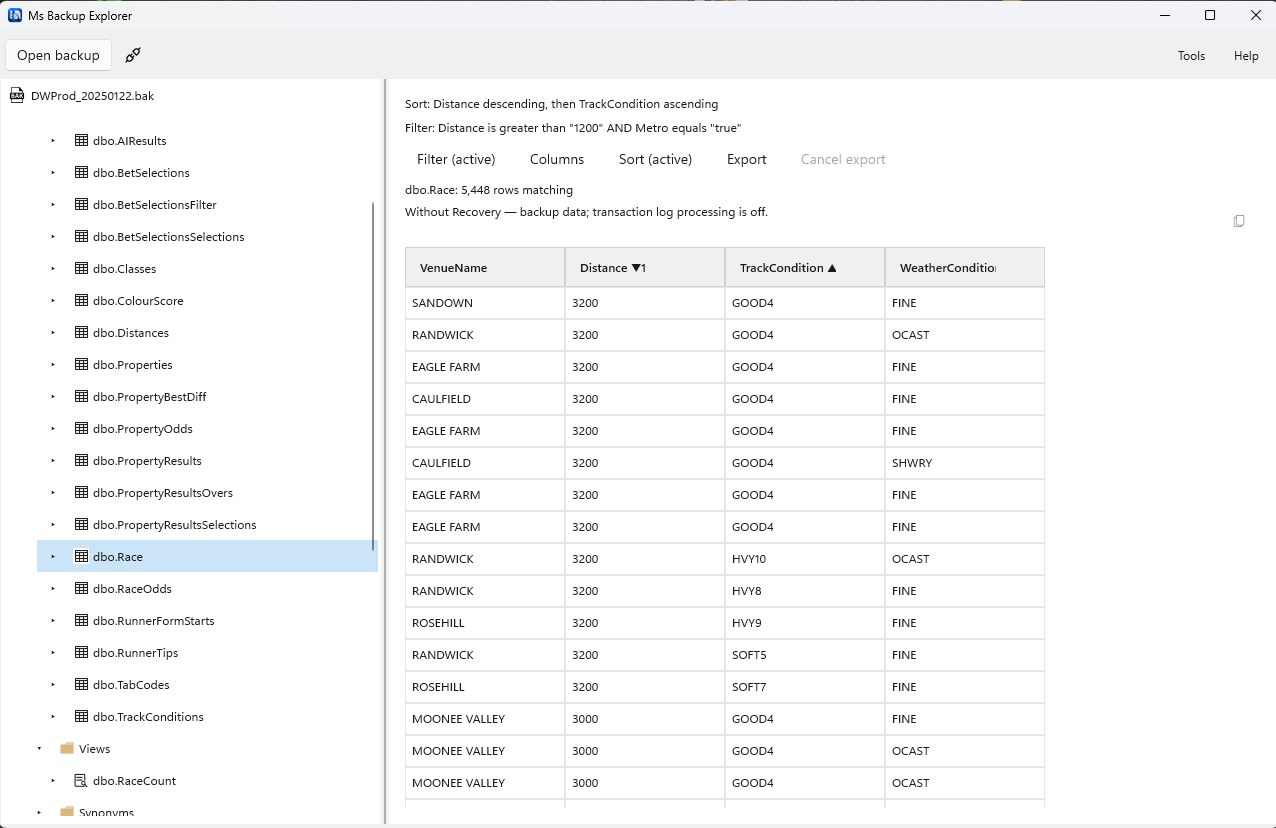
Explore data
Choose visible columns
Hide columns from the grid and choose columns for current-view export.
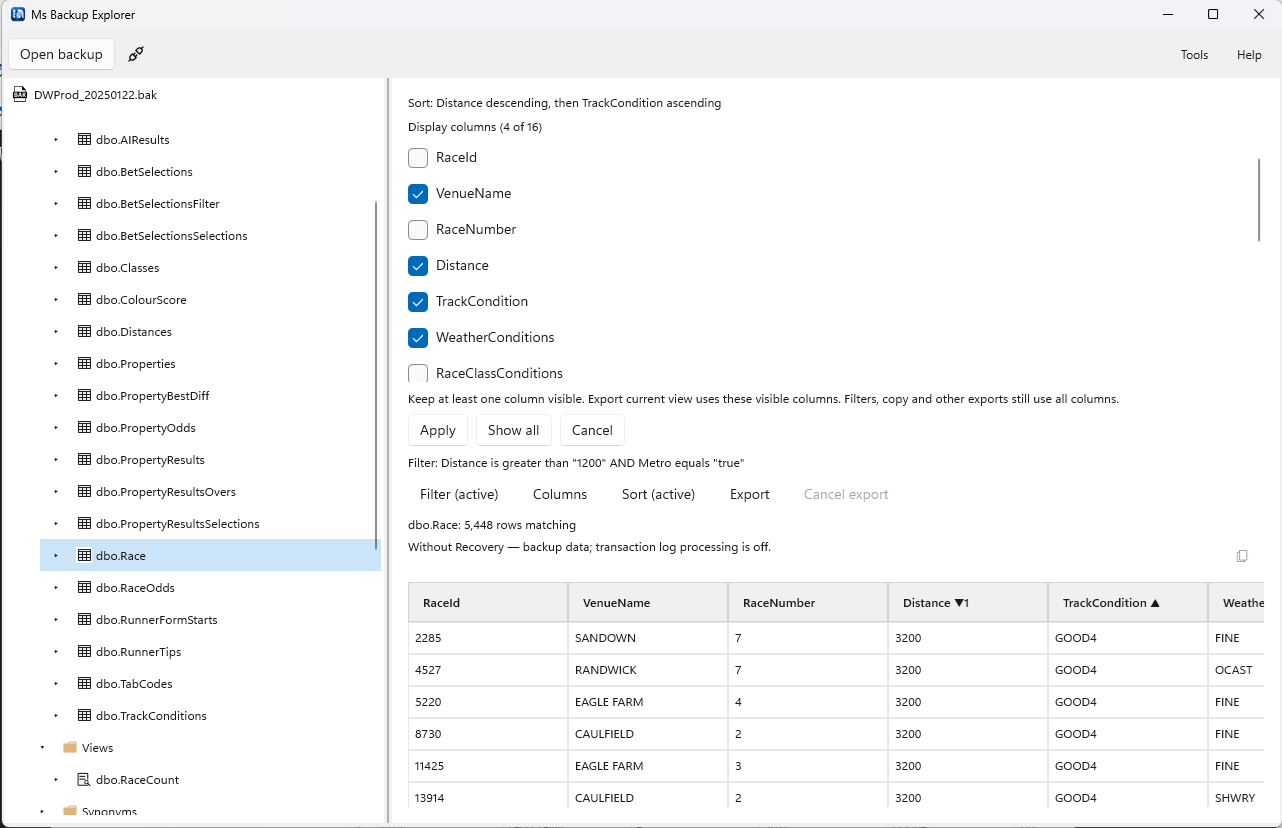
Change the displayed columns
- Select Columns in a table-data view.
- Tick columns to display and untick columns to hide.
- Keep at least one column visible.
- Choose Apply, or Cancel to leave the selection unchanged.
- Use Show all to select every column again.
What column selection affects
Hiding a column changes the grid; it does not delete data from the backup. Filters can still use hidden columns.
Export current view includes the visible columns. Copy and other export actions use their own behavior and may include all columns.