Explore data
Explore database objects
Inspect tables, keys, views, procedures and other supported SQL objects.
Use the explorer
- Expand the selected database.
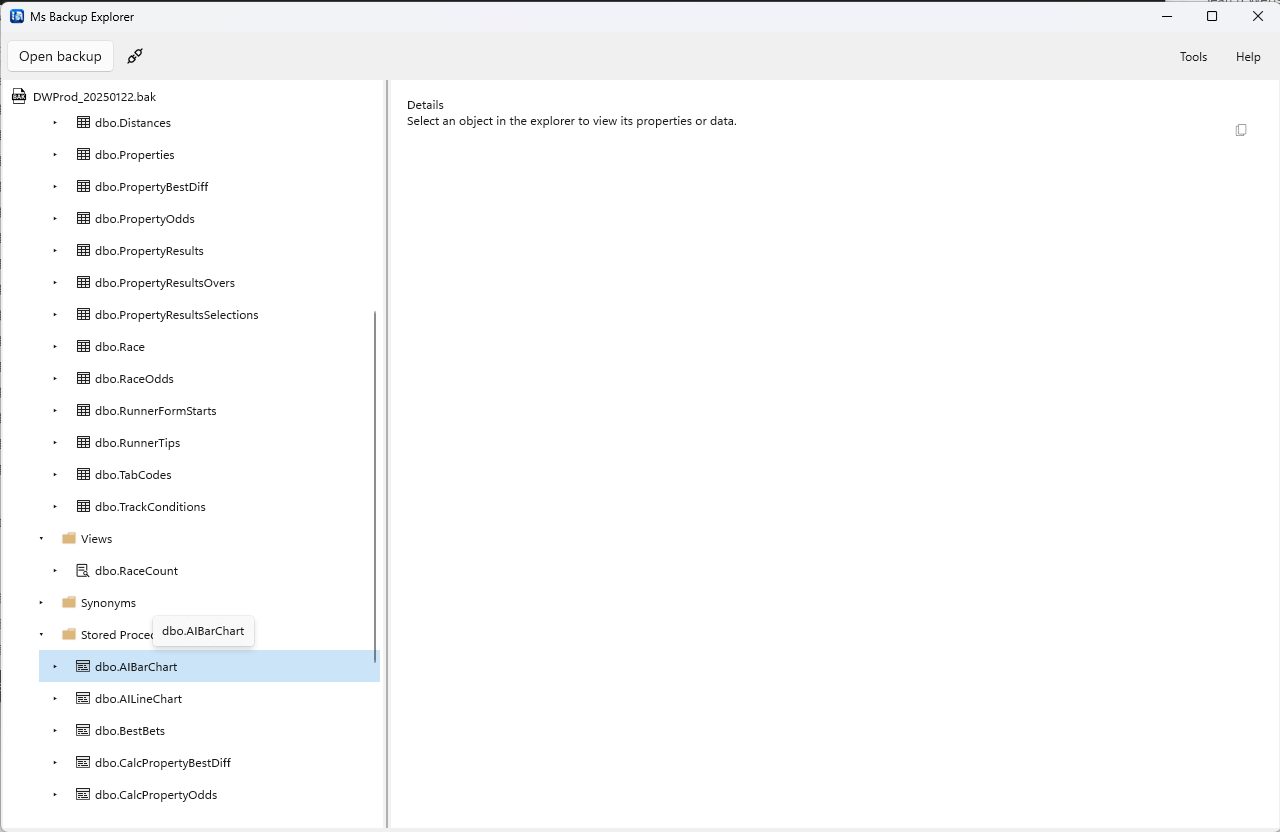
- Expand Tables or another available object category.
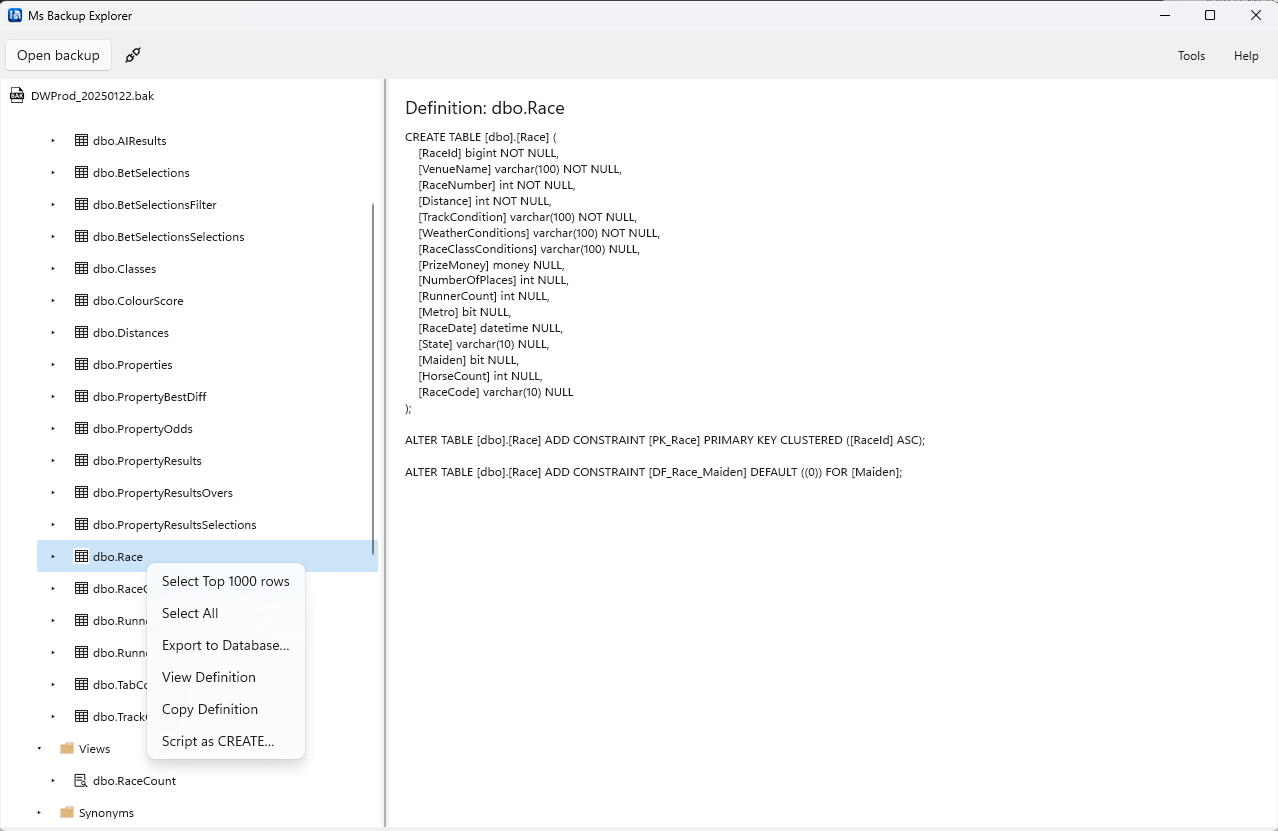
- Select an object to inspect its properties or definition.
- Right-click a table or SQL object to see its available actions.
Review structure and definitions
Available information depends on the readable database catalogue. Supported objects include tables, keys, views, procedures, functions, triggers and synonyms.
Reading an object definition does not execute it. An SQL view definition is different from the current filtered table view used by current-view export.