Start here
Getting started
Install the app and explore your first SQL Server backup.
Install MSBackupExplorer
Install MSBackupExplorer from Microsoft Store. The Store installs the required runtime dependencies and manages app updates.
Use Windows 11 or Windows 10 version 1809 or later on a 64-bit Intel or AMD system with access to Microsoft Store.
Explore your first backup
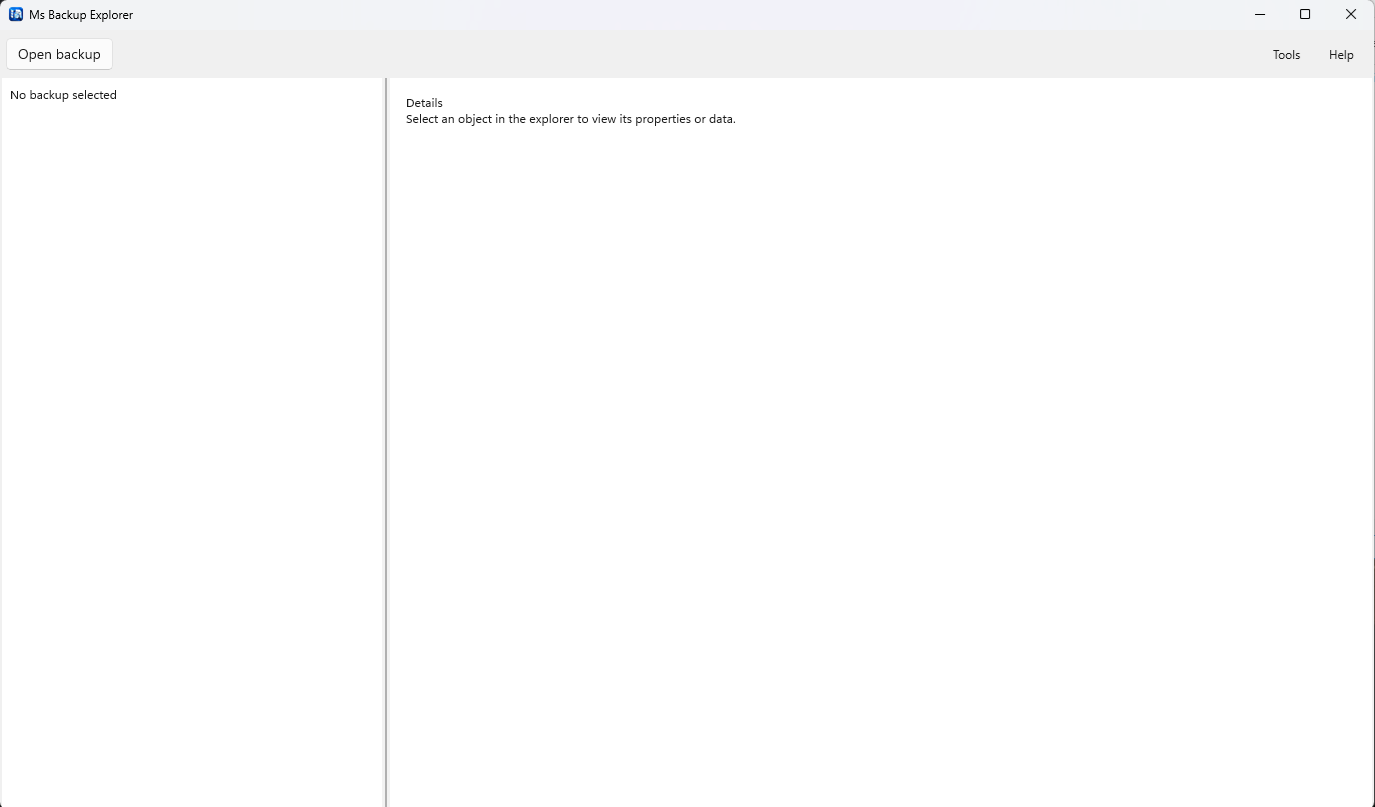
- Select Open backup.
- Choose the backup file, or all files for a striped backup.
- Expand the database and its Tables folder.
- Right-click a table and choose its data action to inspect its records.
Free and Pro
Free previews up to 100 rows per table. Export, save and copy require Pro.
A version 1 Pro licence covers the purchased major version on up to two computers. Activate online through Help → Register….