Destinations
Export to Oracle
Configure Oracle output and validate the exported data.
Configure the destination
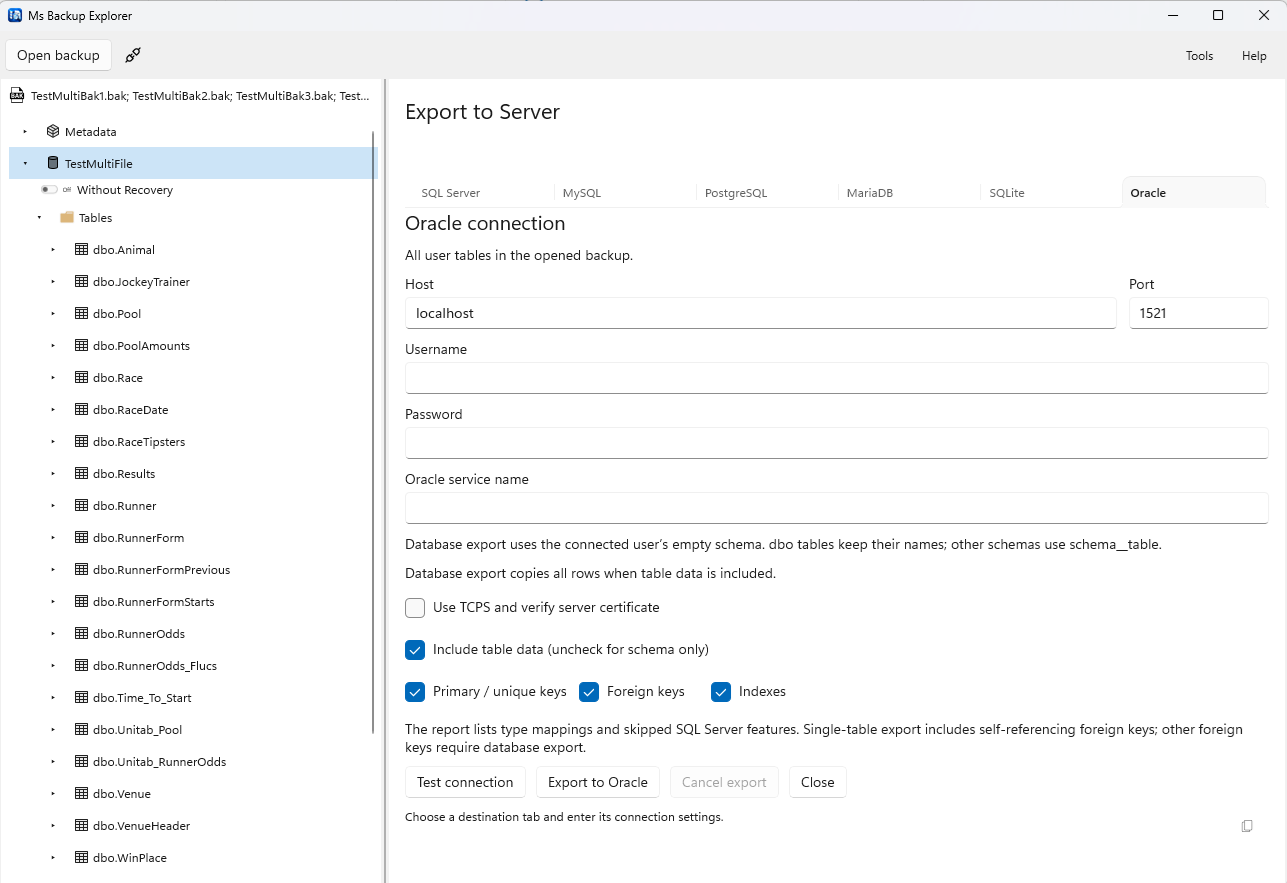
- Start a standard or current-view database export and select Oracle.
- Enter the server or connection information and credentials requested by the form.
- Review the destination and available export options.
- Test the connection where available, then start the export.
- Validate the resulting tables and data. Review a completion message or report if one is displayed.
Review the output
Review names, converted types and supported key relationships. SQL Server-specific code is not automatically interchangeable with Oracle definitions.
Current-view database export creates a data table from filtered rows and selected columns, without source keys or constraints. Row order is not guaranteed. Use standard export when you need its supported key options.