Recovery & tools
Check and recover a backup
Analyse damage and inspect readable recovered data, with an optional reference.
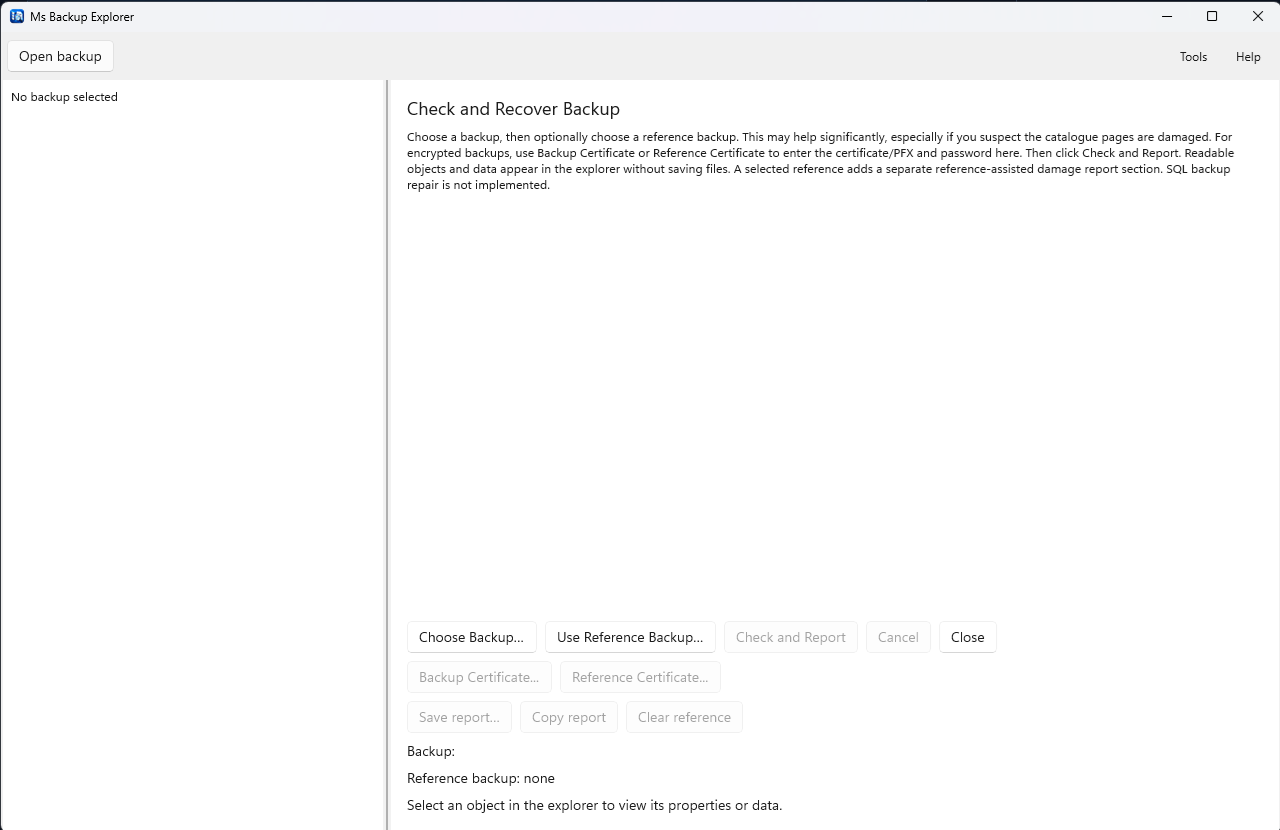
Check the source backup
- Open Tools → Check and Recover Backup….
- Use Choose Backup… to select the source files.
- For an encrypted source, supply credentials through Backup Certificate....
- Optionally select Use Reference Backup… for a compatible working backup.
- For an encrypted reference, supply Reference Certificate... separately.
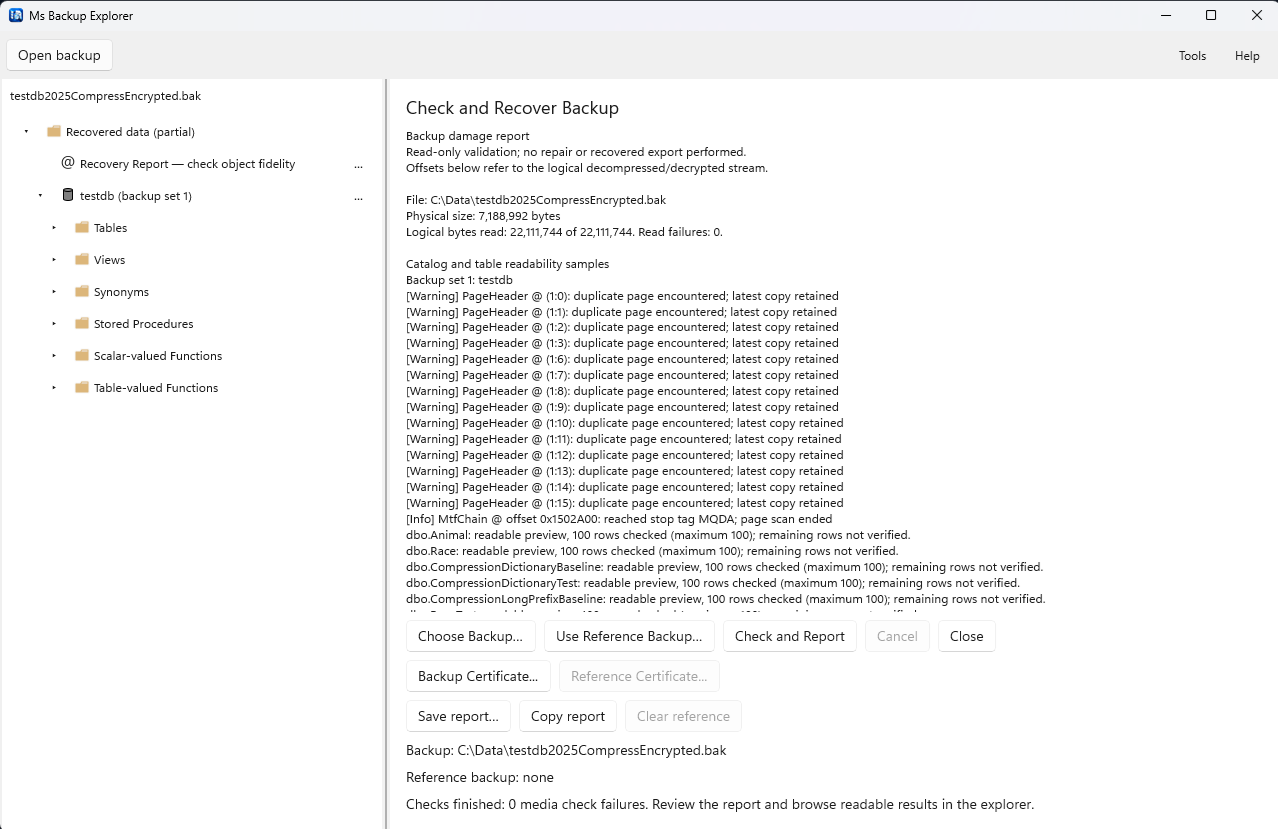
- Select Check and Report and read the results.
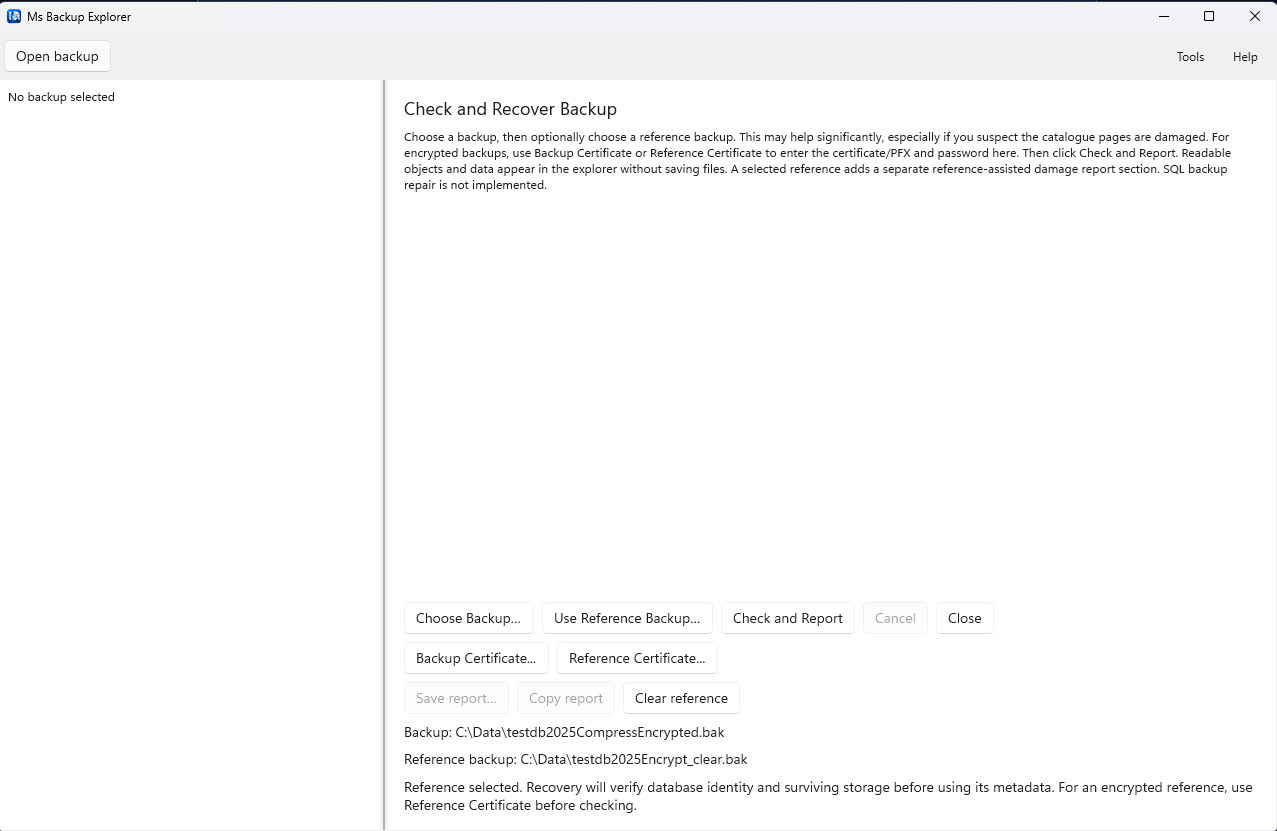
Use a working backup as a reference
A compatible working backup can help interpret metadata when catalogue pages are damaged. Recovery checks database identity and surviving storage before using reference information.
Reference information does not prove missing rows were recovered or establish transaction consistency.
Inspect and save readable results
Readable recovered objects and rows can appear in the explorer before saving files. Review the report and validate important data before relying on output.
Save and export actions require Pro. Recovery attempts to recover readable information; it does not repair the original SQL Server backup or guarantee complete, transactionally consistent data.