App & support
Check for updates
Update through Microsoft Store or move from an older website installation.
Update the Microsoft Store edition
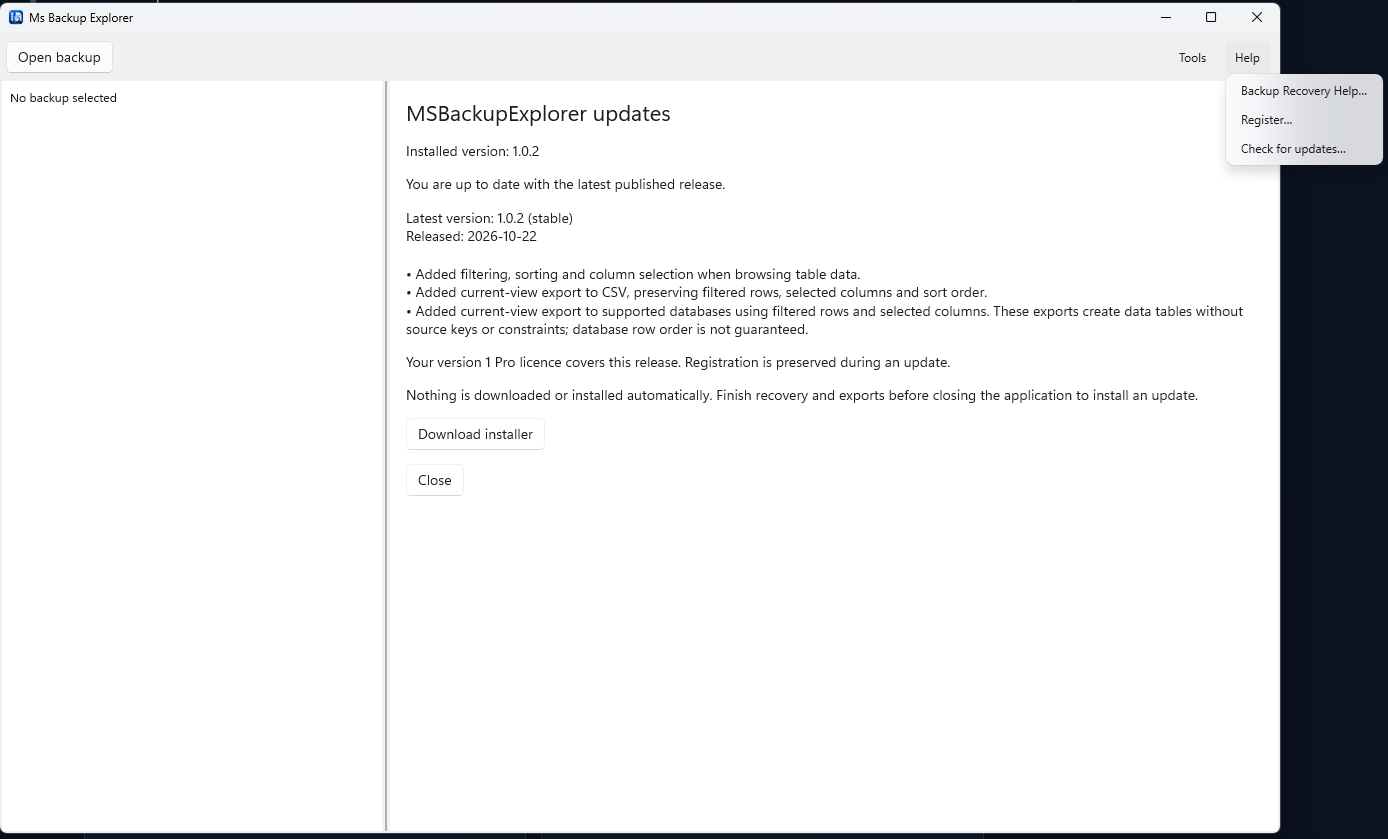
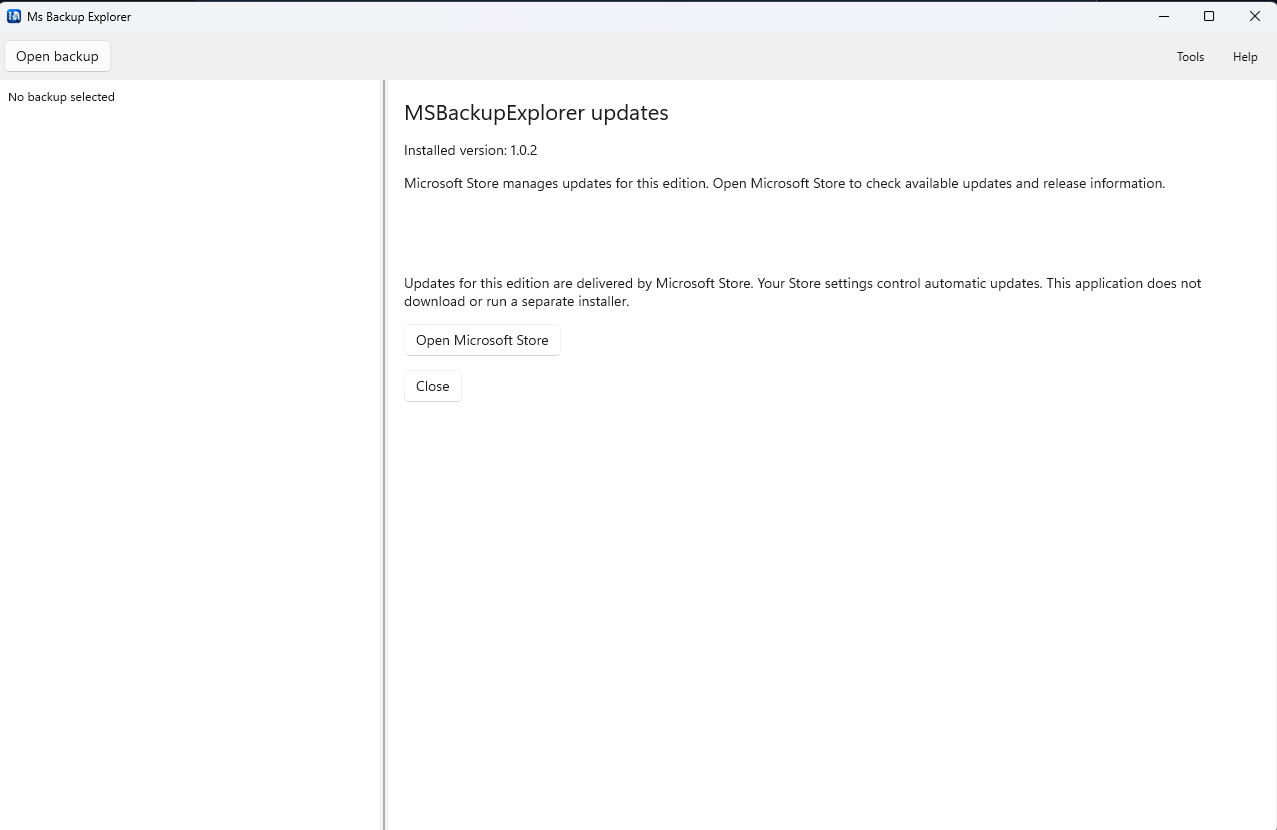
Microsoft Store manages updates. In MSBackupExplorer, use Help → Check for updates… and select Open Microsoft Store. Your Store settings control automatic updates.
Move from an older website installation
- Finish recovery and exports, then close the app.
- Open the MSBackupExplorer website and select Get it from Microsoft Store.
- Launch the Store edition and check Help → Register. Your version 1 Pro licence covers version 1.1.0.