Backups
Encrypted backups and certificates
Supply the correct credentials for supported encrypted backups and TDE.
Provide matching credentials
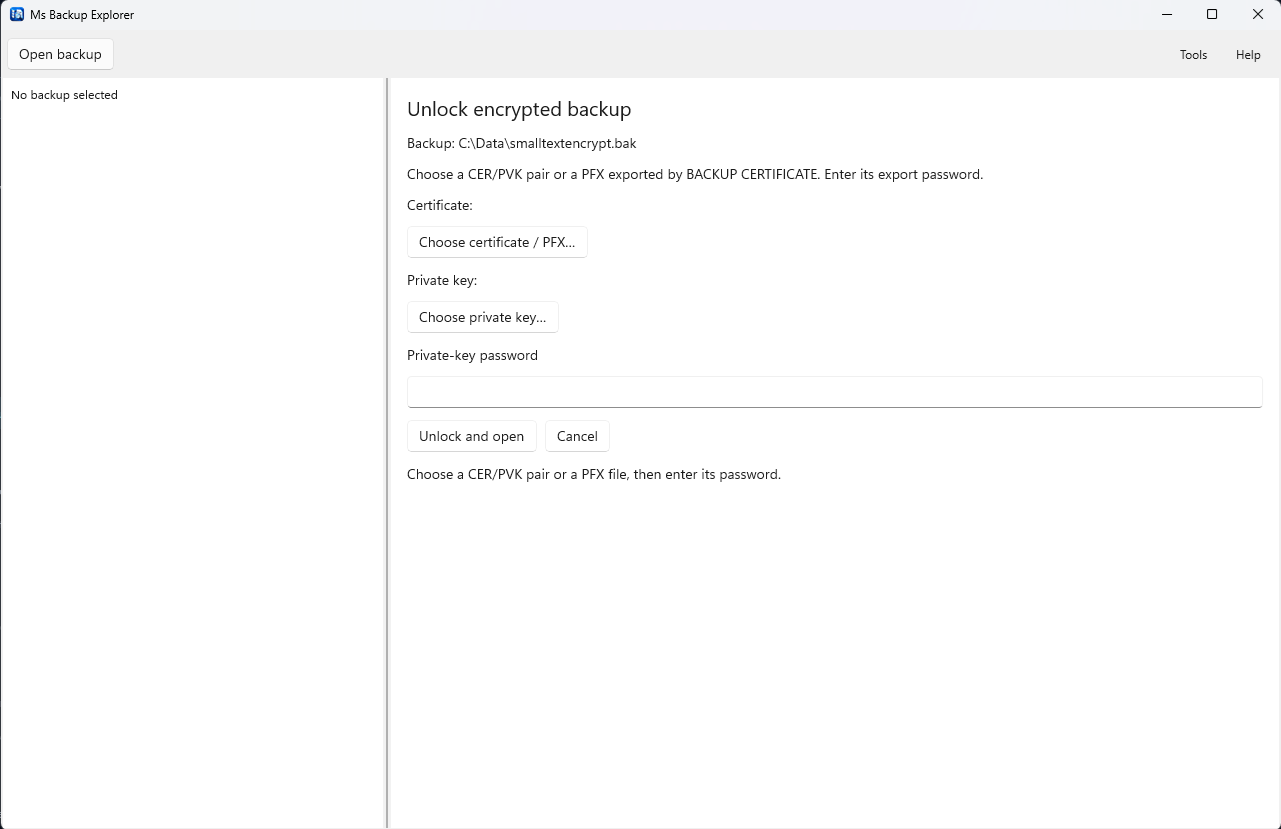
Depending on the backup, you may need a certificate and private key or a PFX file, plus its password. TDE-protected data also requires the appropriate cryptographic material. A SQL login password is not a replacement.
- Open the backup and follow the encryption prompt.
- Select the requested certificate, private key or PFX.
- Enter the relevant password and confirm.
- Continue browsing once the backup is unlocked.
Credentials in the recovery tool
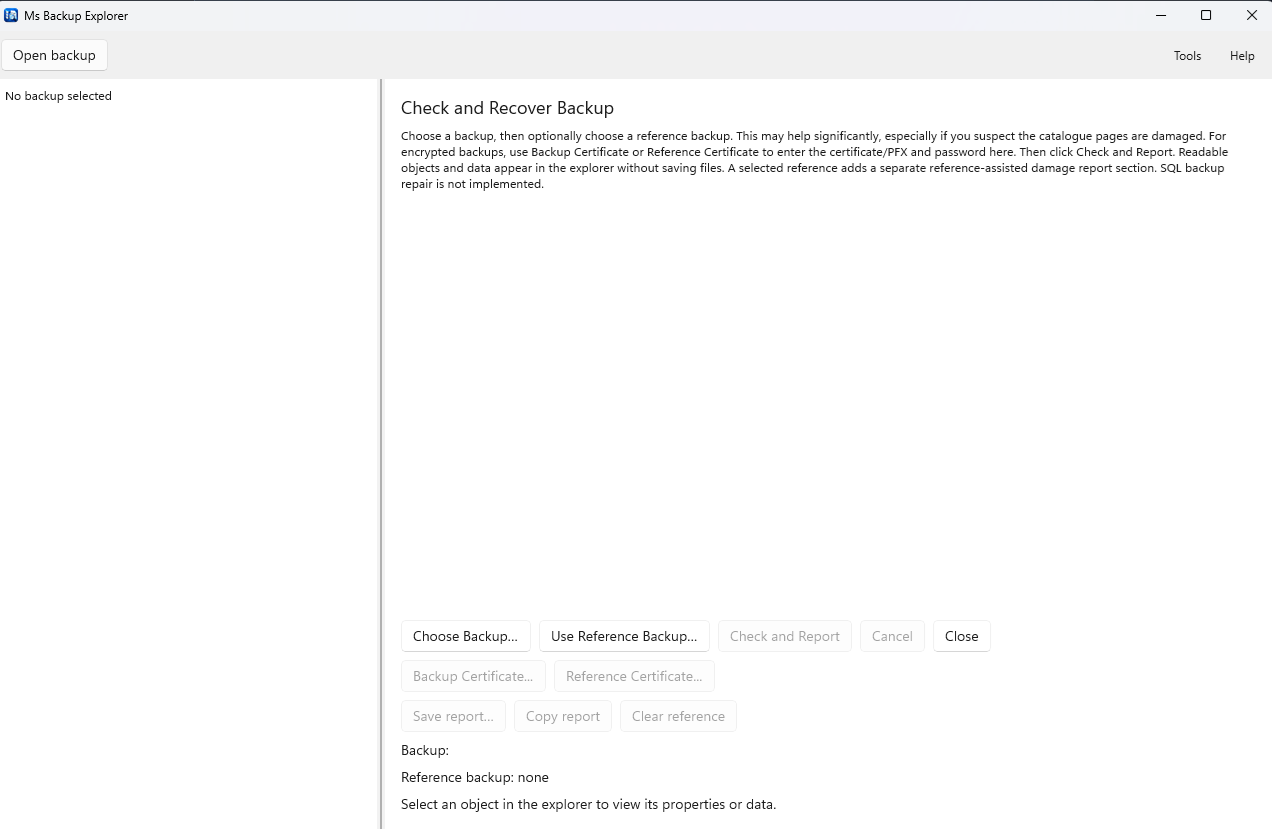
Use Backup Certificate... for the damaged source and Reference Certificate... for an encrypted reference. The two backups may need different certificates or passwords.
If unlocking fails, check that the files and password match the backup. Never send private keys, certificates, passwords or database backups in a support email.