
App & support
Troubleshooting and support
Resolve common backup, output and registration problems.
A backup will not open
Check file access and include every required stripe. Confirm encryption credentials. For damage, use Check and Recover Backup and review its report.
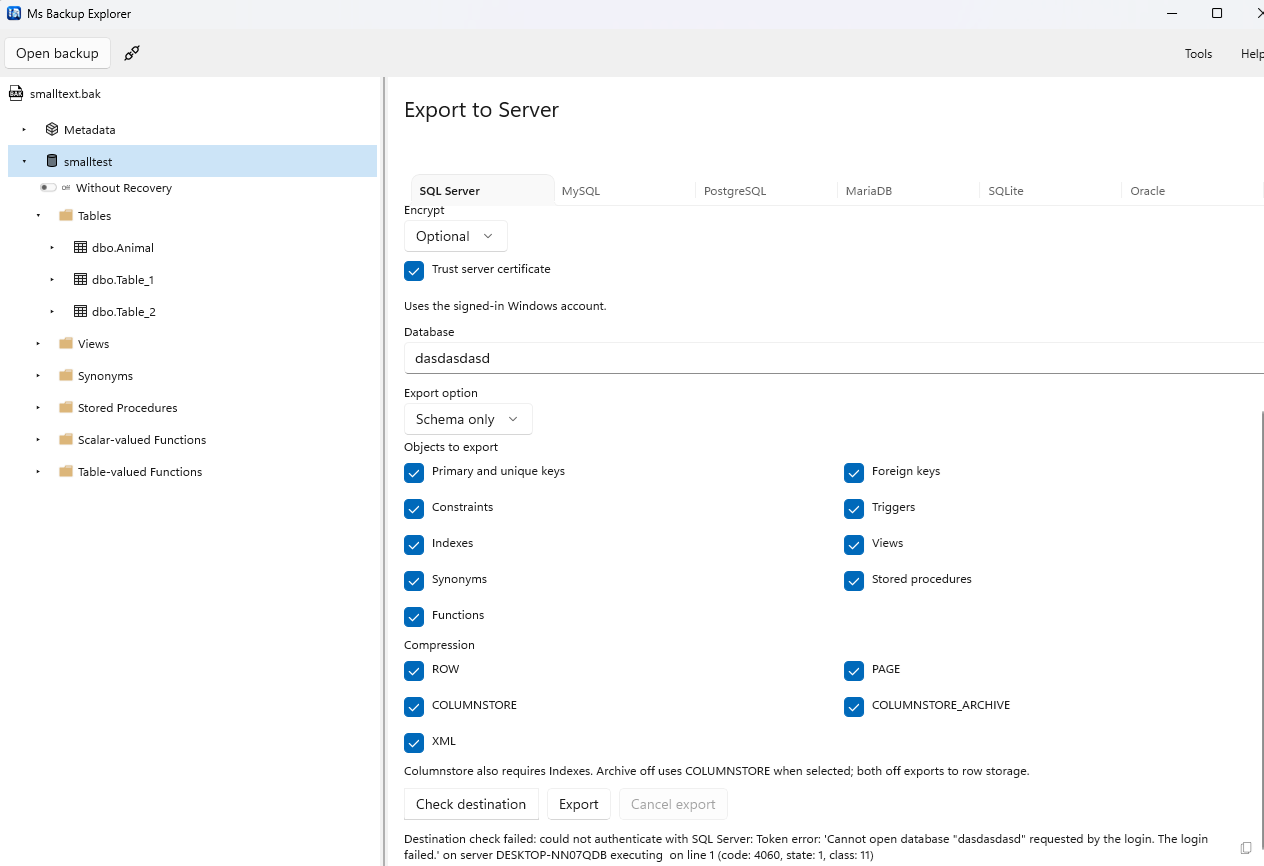
An export is disabled or fails
Confirm an enabled Pro registration. Current-view export requires completed filtering and sorting and at least one visible column.
Check destination addresses, credentials and permissions. For files, check free space and file locks. Read the exact export error.
Activation or update connection problems
Check your internet connection and the appropriate firewall or proxy settings for the app’s HTTPS requests. Verify the entered registration key without sharing it publicly.
A failed startup licence-status connection does not remove existing registration. Contact support for an activation slot on a permanently failed machine.
Contact support
Email support@msbackupexplorer.com with the app version, Windows version, reproduction steps and exact error. Mention the relevant backup or destination type.
Hide personal data, registration keys, passwords and sensitive paths from screenshots. Do not send database backups, certificates or private keys by email.