Backups
Striped backups and media sets
Open a complete striped backup and select the intended backup set.
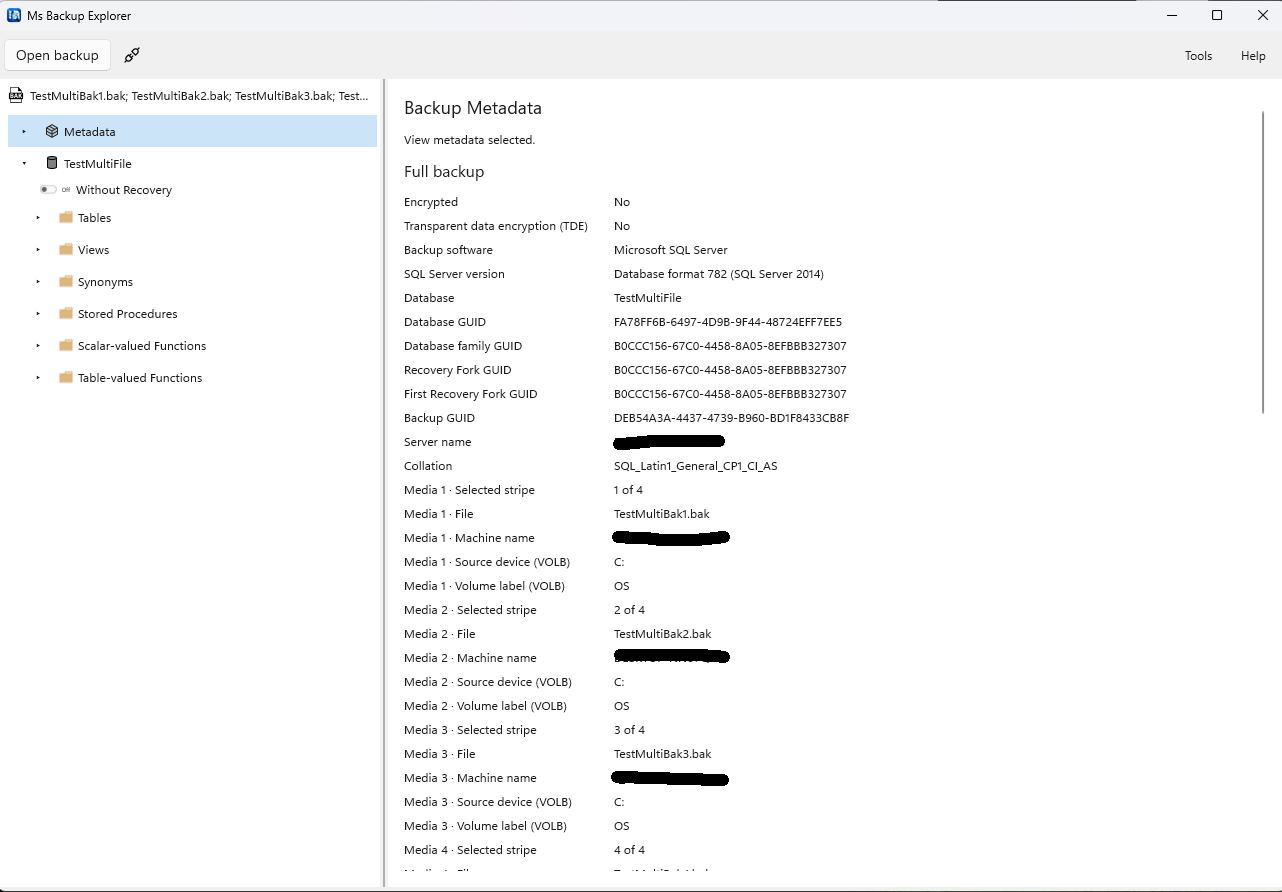
Open every required stripe
A striped backup spreads one backup across several media files. A single stripe is not a complete database backup.
- Collect all files belonging to the same striped backup.
- Select them together through Open backup.
- Review the database and backup-set information before opening table data.
Choose a backup set
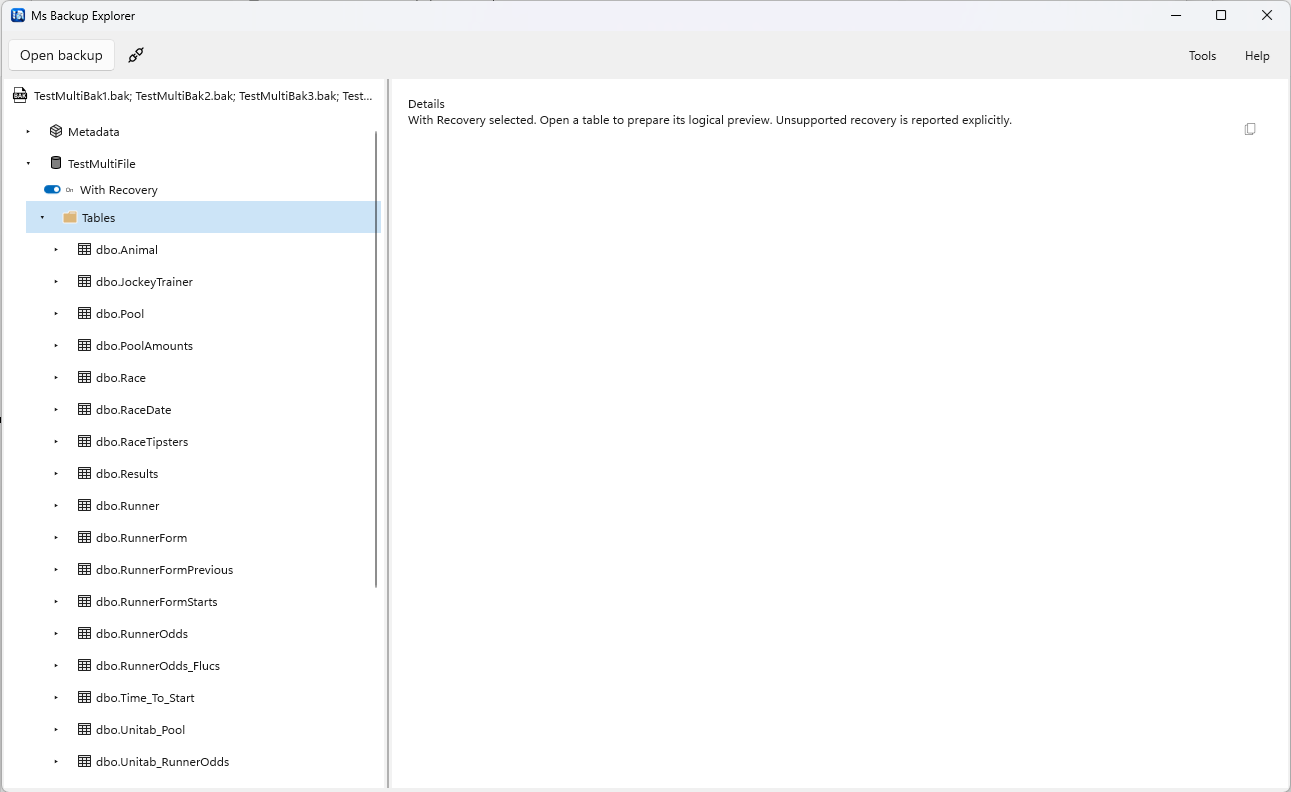
Some media contain more than one backup set. Check the available dates and database information, then select the set you need.
If a media file is missing, unreadable or from a different backup, obtain the correct file before continuing.