Recovery & tools
Save Clear Native Format
Use the clear-format output action for supported compressed or encrypted backups.
Save a clear native copy
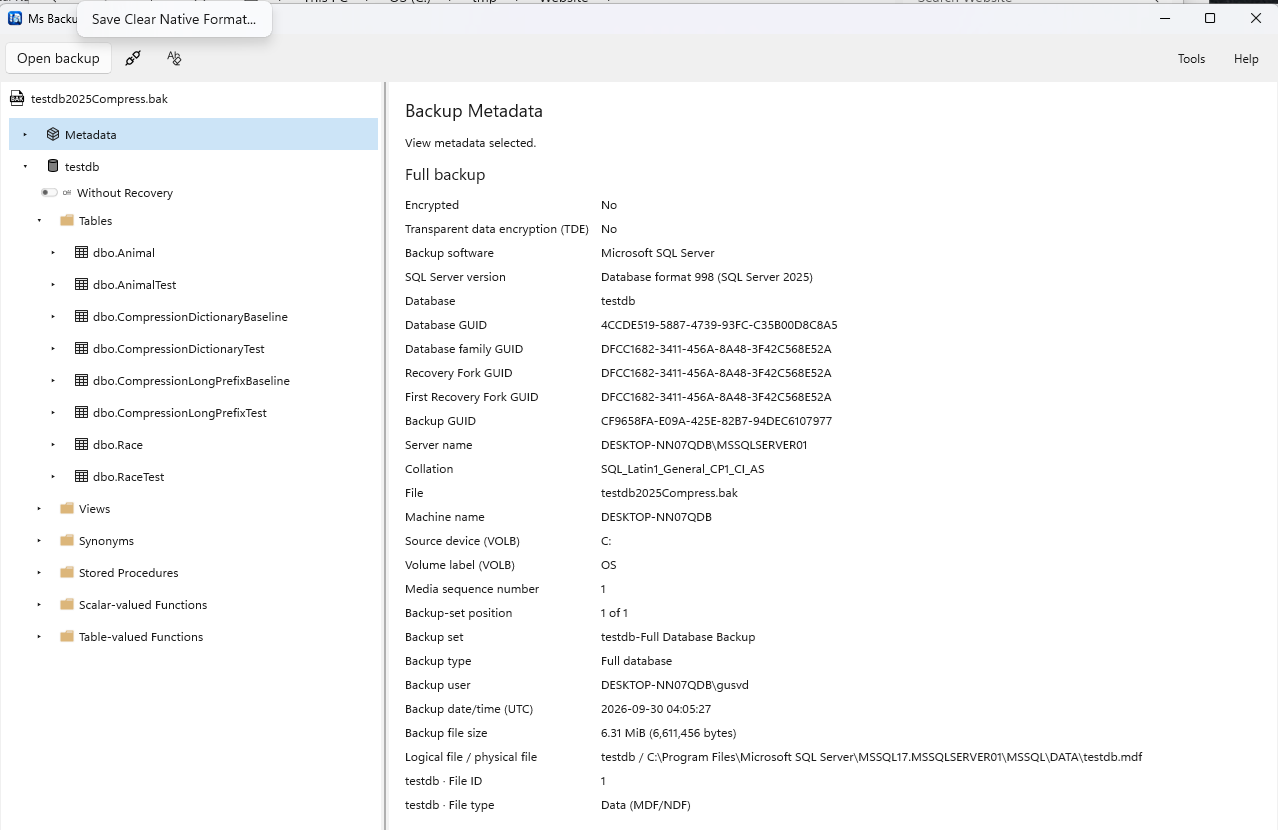
For supported compressed or encrypted backups, the additional backup-toolbar menu can offer Save Clear Native Format.... This output requires Pro.
- Open the backup and provide required credentials.
- Open the additional toolbar menu and select Save Clear Native Format....
- Choose a different destination from the original source.
- Wait for completion and check the status.
Handle clear output appropriately
A clear native copy can contain unencrypted database information. Store it appropriately and retain the original backup.
This action is not the same as repairing a damaged SQL Server backup or restoring a database into SQL Server.