
Explore data
Filter rows
Combine conditions to focus on the records you need.
Create a filter
- Select Filter above the table grid.
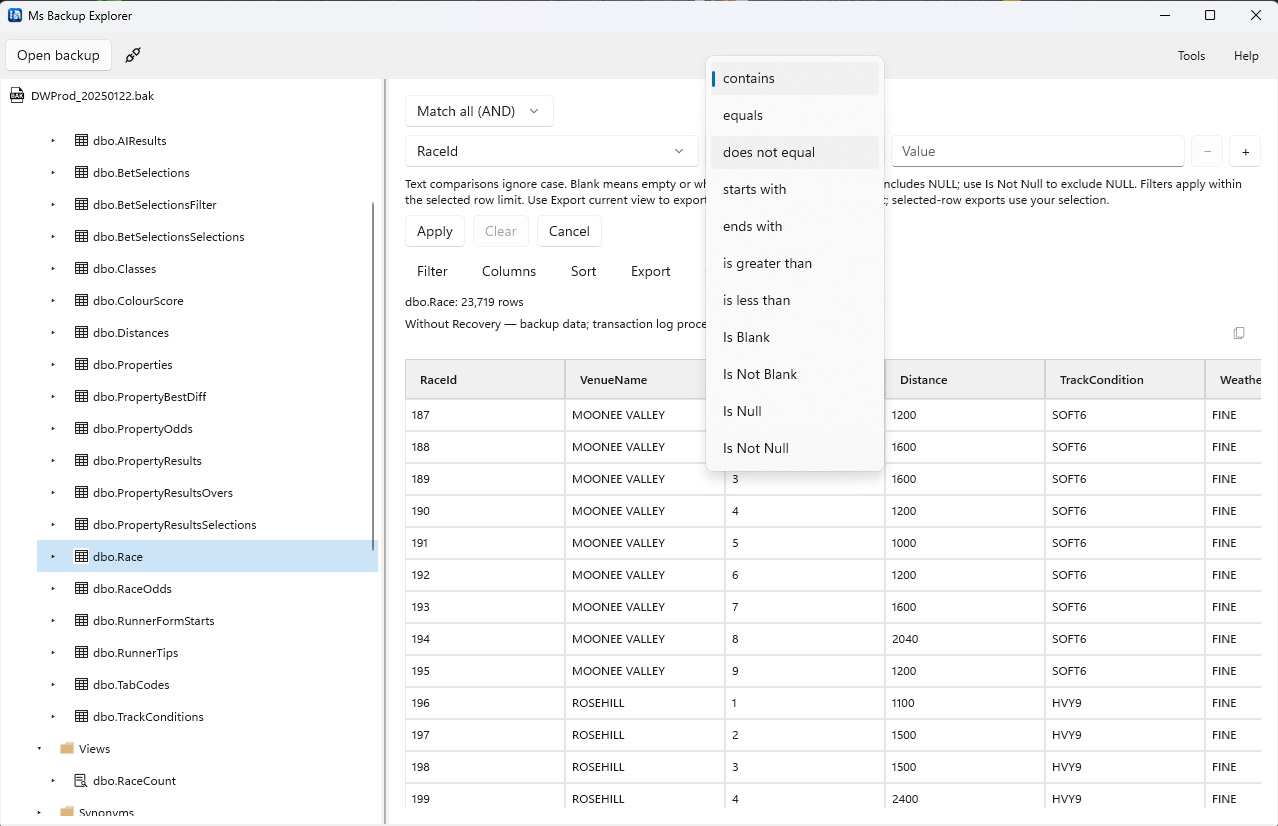
- Choose a column, comparison operator and a value where required.
- Add other conditions if needed.
- Choose Match all (AND) or Match any (OR).
- Select Apply and review the matching rows and scan status.
Blank, NULL and text comparisons
Text comparisons ignore case. Blank means empty or whitespace-only text. SQL NULL is different from blank text and from the literal text NULL.
Is Not Blank includes SQL NULL. Add Is Not Null when you also want to exclude NULL values. Filters apply within the selected row limit.
Clear or export the filter
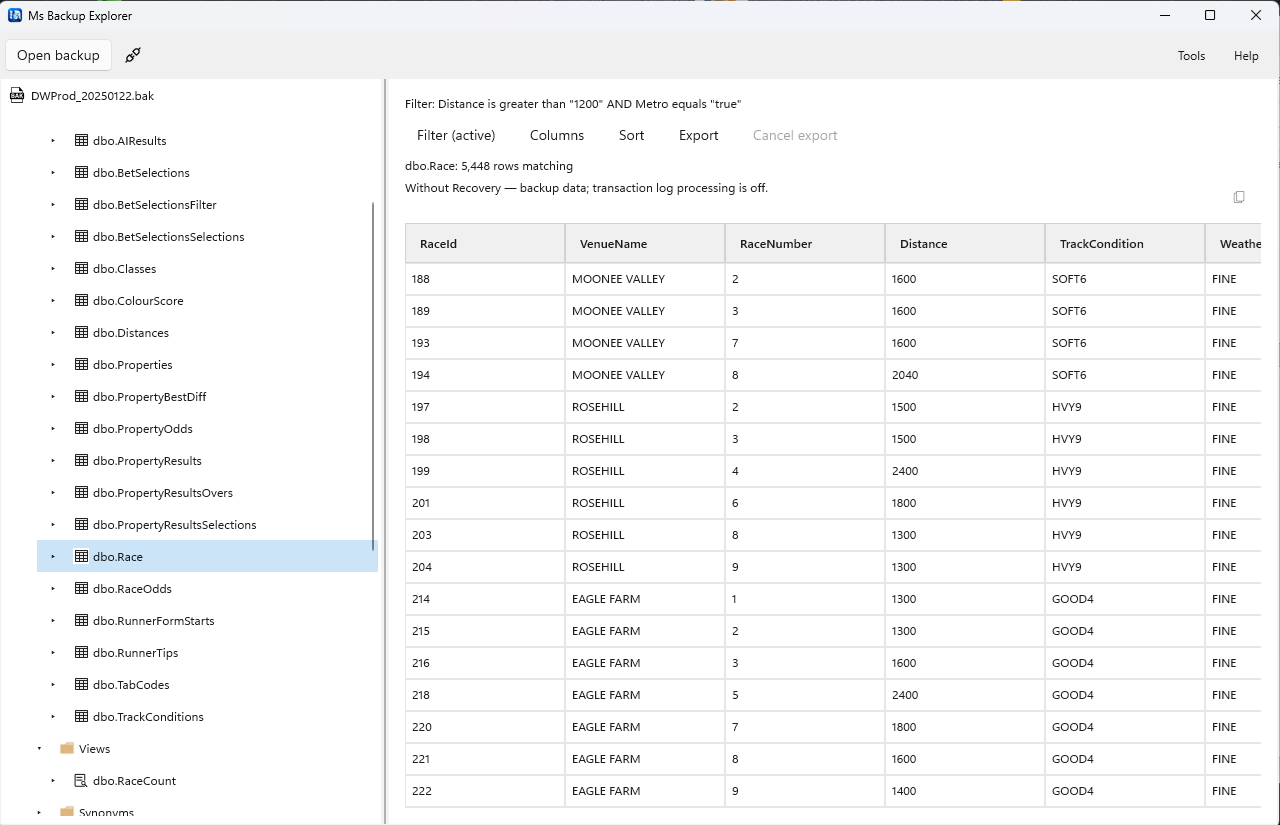
Open Filter and choose Clear to remove the active filter. Cancel leaves editing without applying draft changes.
Use Export current view to export the filter. A standard table export ignores the grid filter; selected-row output uses its separate selection.