Explore data
Sort records
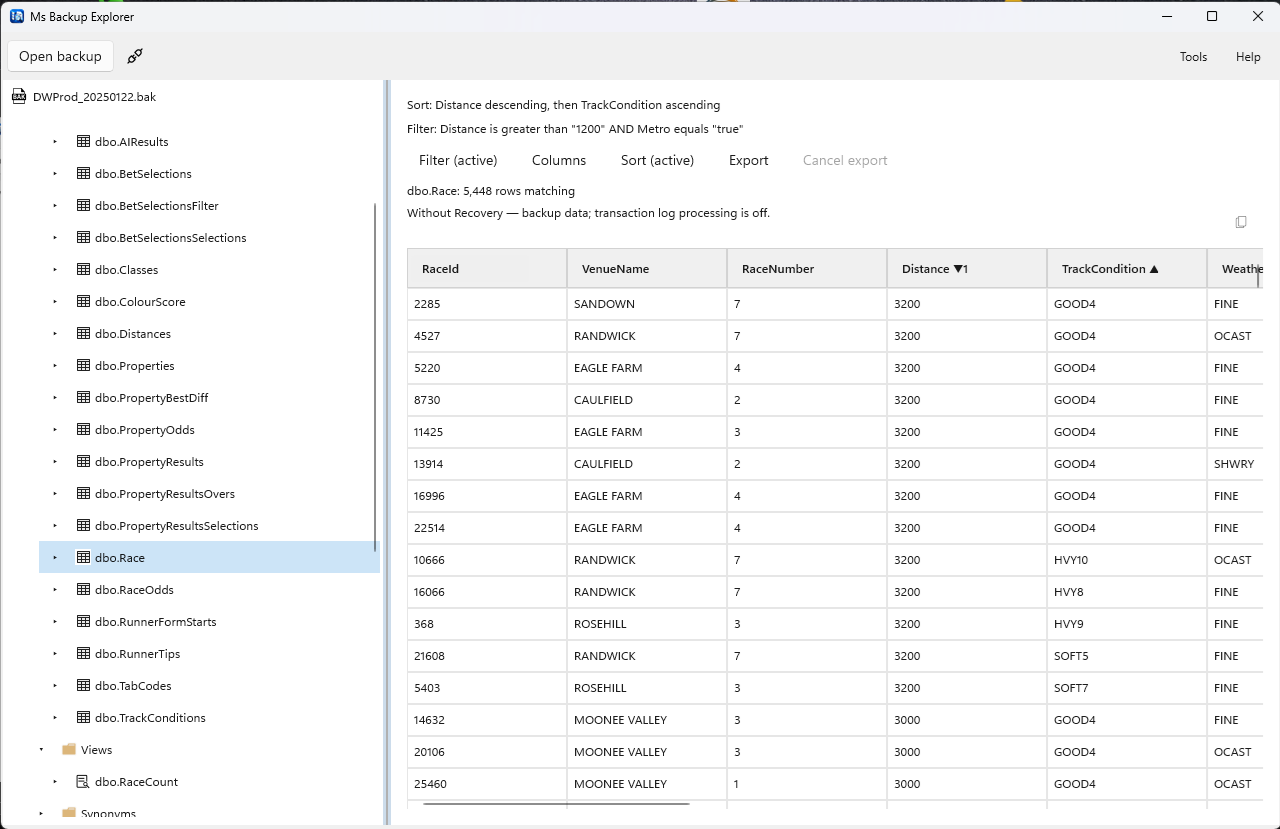
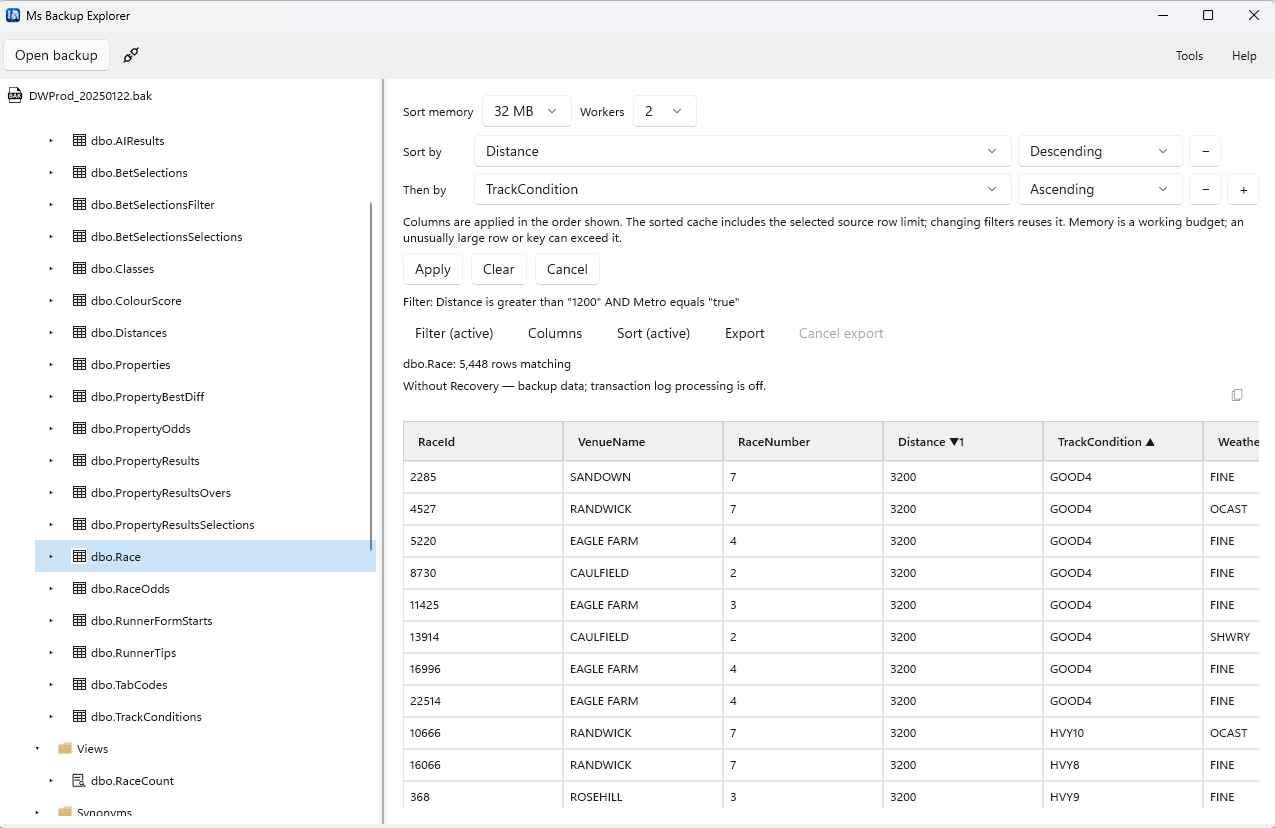
Choose sort columns and directions, including multi-column sorting.
Choose the sort order
- Select Sort in the table-data view.
- Choose the first sort column and direction.
- Add another column when you need a secondary ordering.
- Select Apply and wait for completion.
- Use the clear action to remove the active sort.
Large results and export order
Sorting can take time and require temporary disk space. Review the memory and worker options for your computer and leave sufficient free space. A running sort can be cancelled.
Current-view CSV export preserves the sorted order. Database table row order is not guaranteed; query the destination with ORDER BY when you need a particular order.